Webinar: How to Edit Data Directly from a Power BI Report with Translytical Task Flow
Translytical Task Flow is a Microsoft Fabric feature that turns static Power BI reports into interactive tools for action.
Registration is closed
This event has already taken place.
Introduction
Translytical Task Flow is a Microsoft Fabric feature that turns static Power BI reports into interactive tools for action. It lets you edit data, add comments and run processes directly from the report.
During the live webinar, we show how it works and in which situations it replaces what previously required building separate forms in Power Apps and was time-consuming to implement. You will see how keeping all the logic in a single Fabric environment shortens implementation time and reduces the number of applications to maintain.
Held in Polish.
Key points of the event
- What Translytical Task Flow is and how it turns Power BI reports from a static view of data into a tool for action
- How it works under the hood – from a click in the report, through the User Data Function, to saving changes straight to the data source in Fabric
- How to add comments explaining anomalies right next to the data they refer to
- How to bulk-update records and change attribute statuses (e.g. product availability for sale) without leaving the report
- How to trigger actions in other systems – e.g. a Teams notification after a risk is reported from a filtered report
- How to start approval workflows – e.g. a request for an exception in a process – directly from the report
Speakers
Weronika Zielińska
Michał Pugaczew
See other events
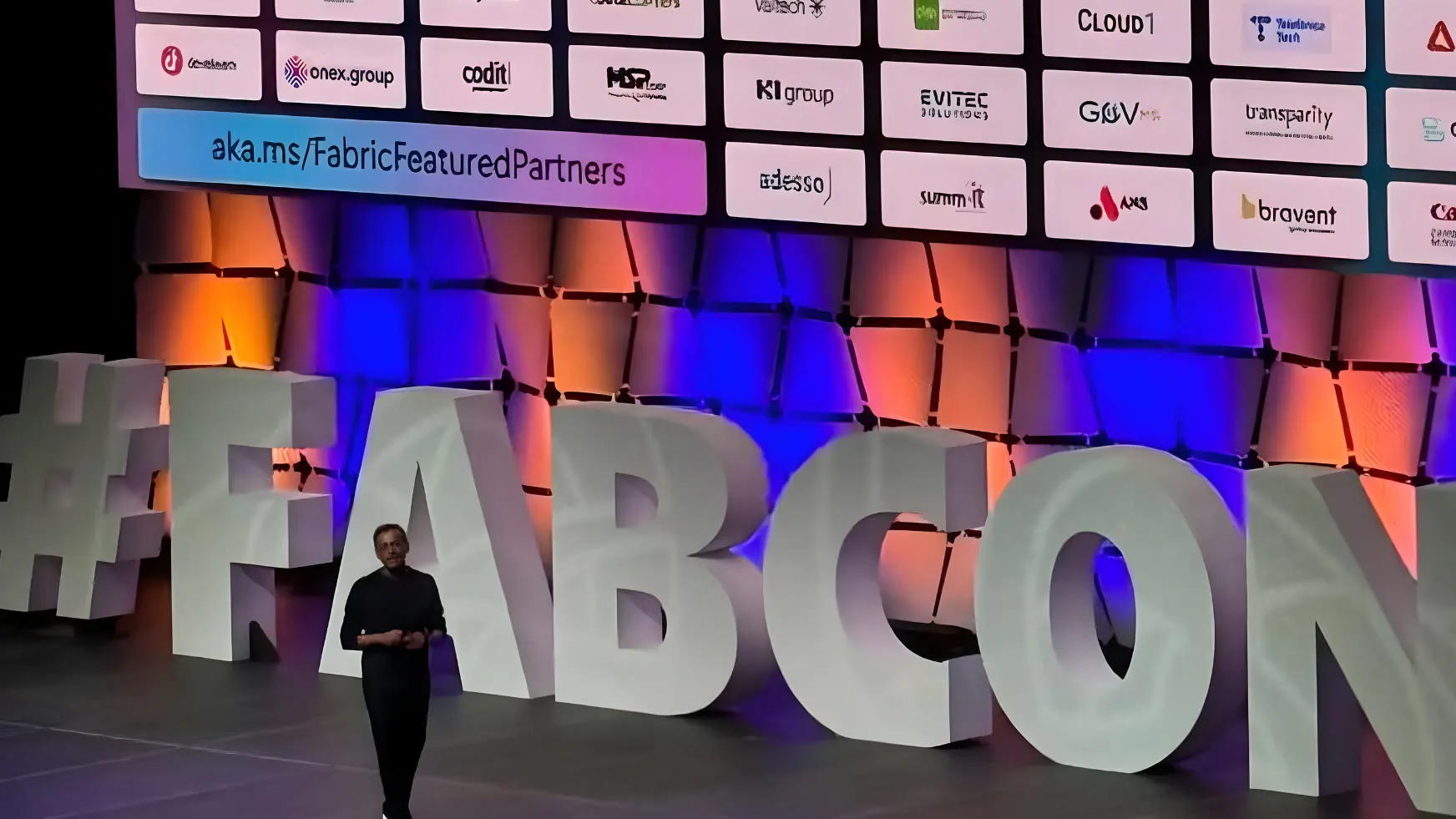
FabCon Poland 2026: Barcelona Update
A conference in Warsaw dedicated to the key announcements from FabCon Europe in Barcelona – Microsoft Fabric, Power BI, data engineering and data governance.
Ready to get more from your data?
Whether you are starting with Microsoft Fabric, fixing your reporting or preparing for AI, we will help you plan the next step with confidence.
Trusted by